


Exness Video Exness 影片
Explore a range of video tutorials to help you make the most of the Exness platform. Whether you’re new to trading or looking to refine your skills, these videos cover essential topics like setting up your account, using trading tools, and navigating the platform with ease.探索一系列影片教程,幫助您充分利用 Exness 平台。無論您是交易新手還是希望提陞技能,這些影片都能涵蓋帳戶設定、交易工具使用以及平台導航等重要主題。
Each tutorial provides clear, step-by-step instructions, making it easier to understand key features and functionalities. From customizing your trading setup to managing your account settings, these videos offer valuable insights to enhance your trading experience.每個教學都提供清晰的逐步說明,讓您更輕鬆地理解主要功能。從自訂交易設置到管理帳戶設置,這些影片提供寶貴的見解,幫助您提升交易體驗。
Trade on MetaTrader 5 | Download MT5 and Trade with Exness在 MetaTrader 5 上交易 | 下載 MT5 並使用 Exness 進行交易
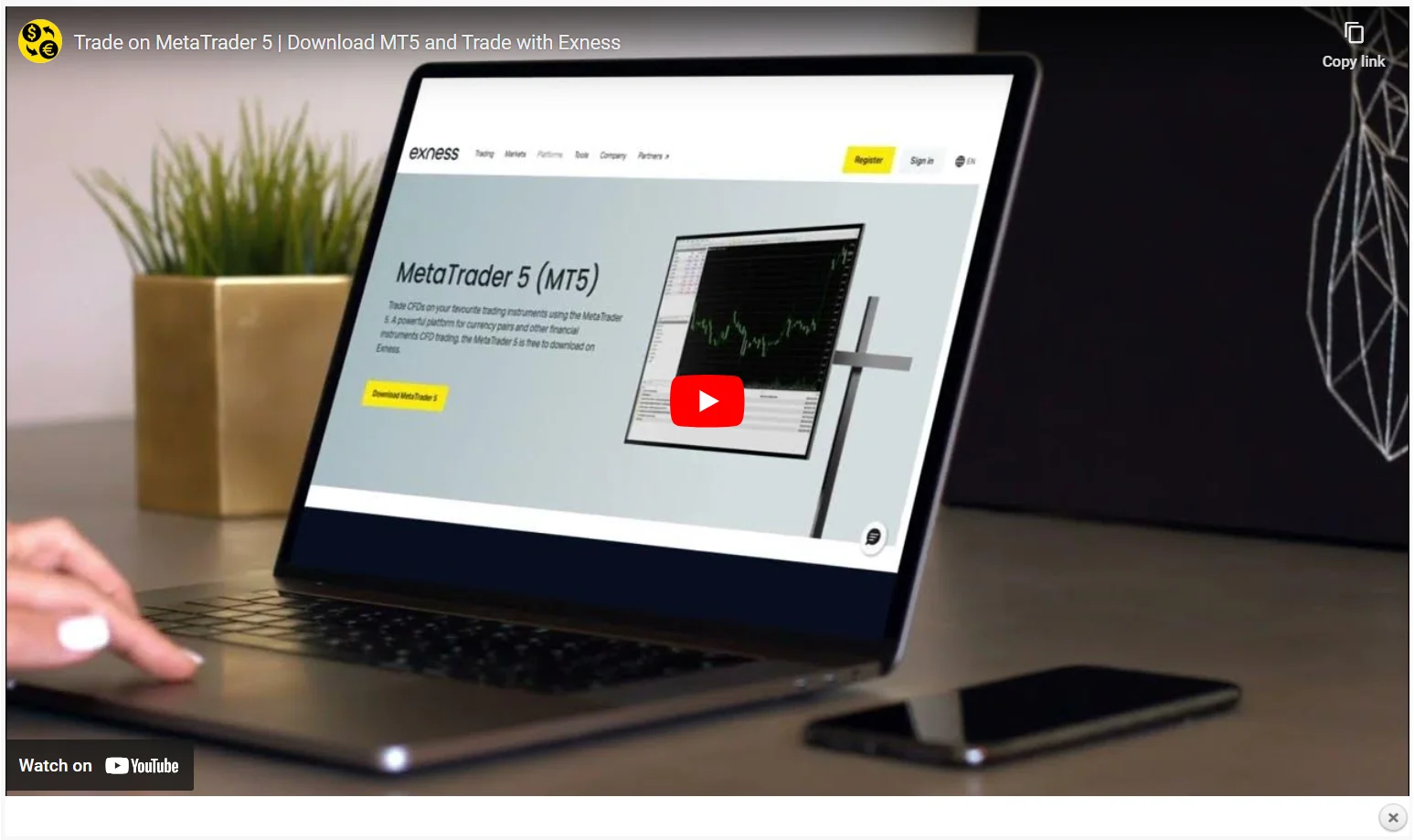
Take your trading to the next level with Exness MetaTrader 5. Learn how to access advanced charting tools, multiple timeframes, and sophisticated order types for a more powerful trading experience…使用 Exness MetaTrader 5 將您的交易提升到新的水平。了解如何使用進階圖表工具、多種時間範圍和複雜的訂單類型,以獲得更強大的交易體驗… Watch Here » 點此觀看 »
How to customize charts Exness | What is Exness Chart?如何自訂圖表 Exness | 什麼是 Exness 圖表?
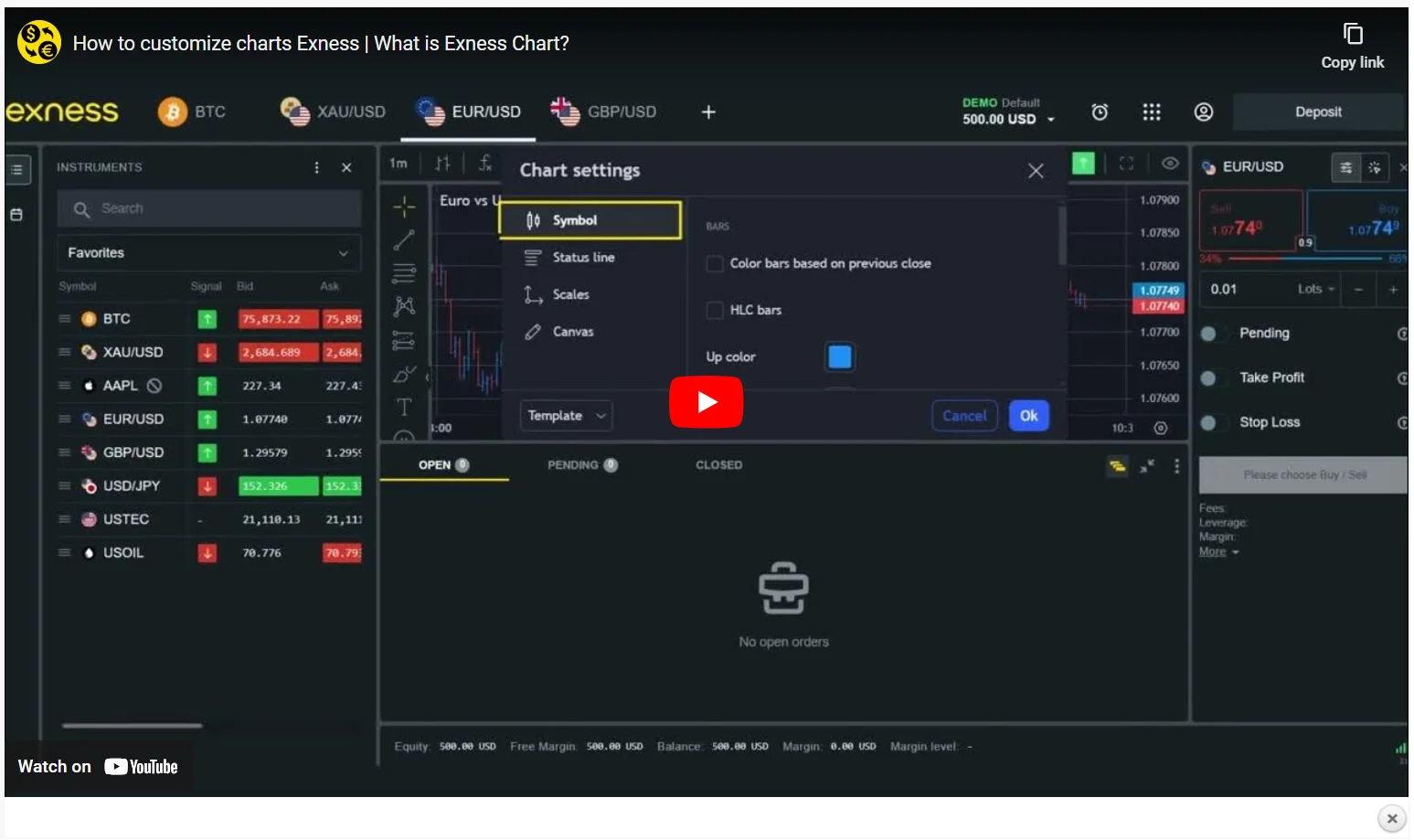
Master the art of chart customization on Exness. In this video, you’ll learn how to adjust chart styles, add indicators, and set up your trading environment to suit your strategy…掌握 Exness 圖表自訂的藝術。在本影片中,您將學習如何調整圖表樣式、新增指標以及設定適合您策略的交易環境… Watch Here » 點此觀看 »
Getting Started with Exness Web Terminal | Setting stop loss (SL) and take profit (TP)Exness 網頁終端入門 | 設定停損 (SL) 與停利 (TP)
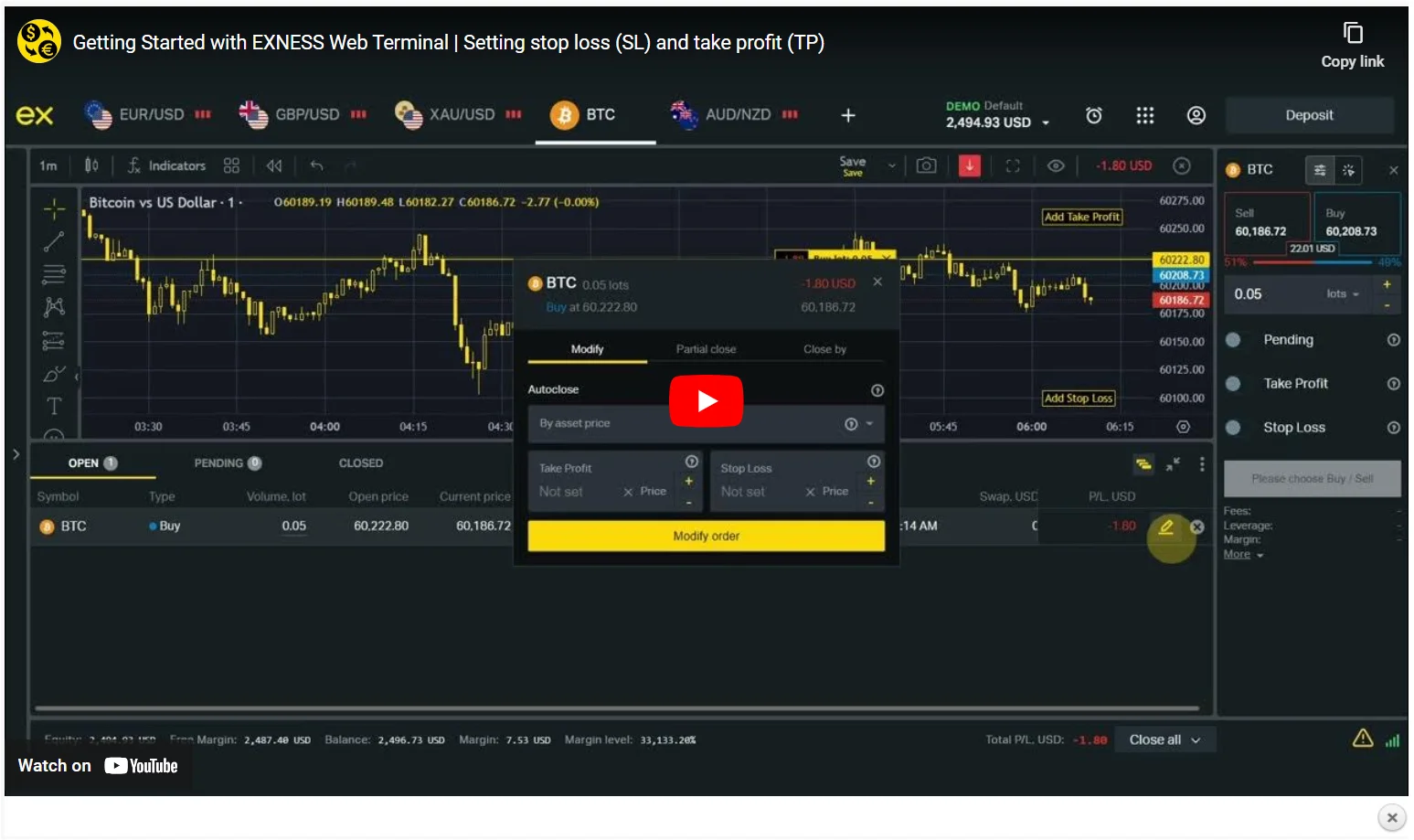
Access the powerful features of Exness Web Terminal and start trading directly from your browser. This video is perfect for those who prefer to trade without downloading additional software…存取 Exness 網頁終端的強大功能,直接在瀏覽器中開始交易。本影片非常適合不想下載其他軟體進行交易的用戶… Watch Here » 點此觀看 »
How to Download Exness MetaTrader 4 | Download Exness MT4 | Install MetaTrader 4 for PC and Mobile如何下載 Exness MetaTrader 4 | 下載 Exness MT4 | 在 PC 和行動裝置上安裝 MetaTrader 4
Get started with MetaTrader 4 on Exness. Follow this easy guide to download and install MT4 on your device, and begin using powerful tools for market analysis and trading…在 Exness 上開始使用 MetaTrader 4。按照本指南在您的裝置上下載並安裝 MT4,即可開始使用強大的市場分析和交易工具… Watch Here » 點此觀看 »
Change Currency to Your Exness Trading Account | Currency Converter將貨幣更改為您的 Exness 交易帳戶 | 貨幣轉換器
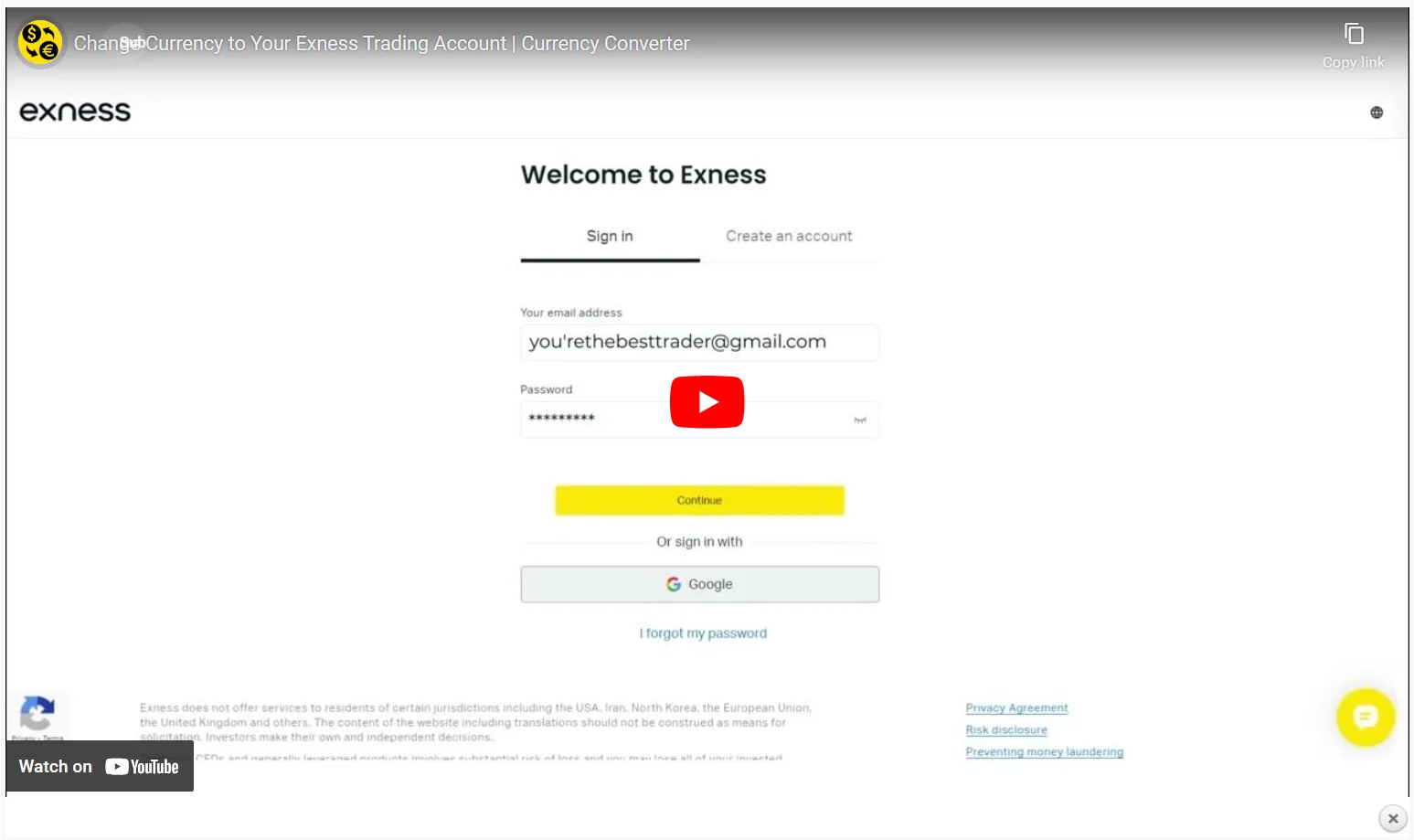
Follow this step-by-step guide to easily change the currency on your Exness trading account. This video helps you adjust your currency settings for smoother trading management…按照本逐步指南,輕鬆更改您的 Exness 交易帳戶中的貨幣。本影片將幫助您調整貨幣設置,從而更順暢地管理交易… Watch Here » 點此觀看 »
Registering an Exness account | Trading Accounts | Learn How to Open and Start Trading註冊 Exness 帳戶 | 交易帳戶 | 了解如何開設並開始交易
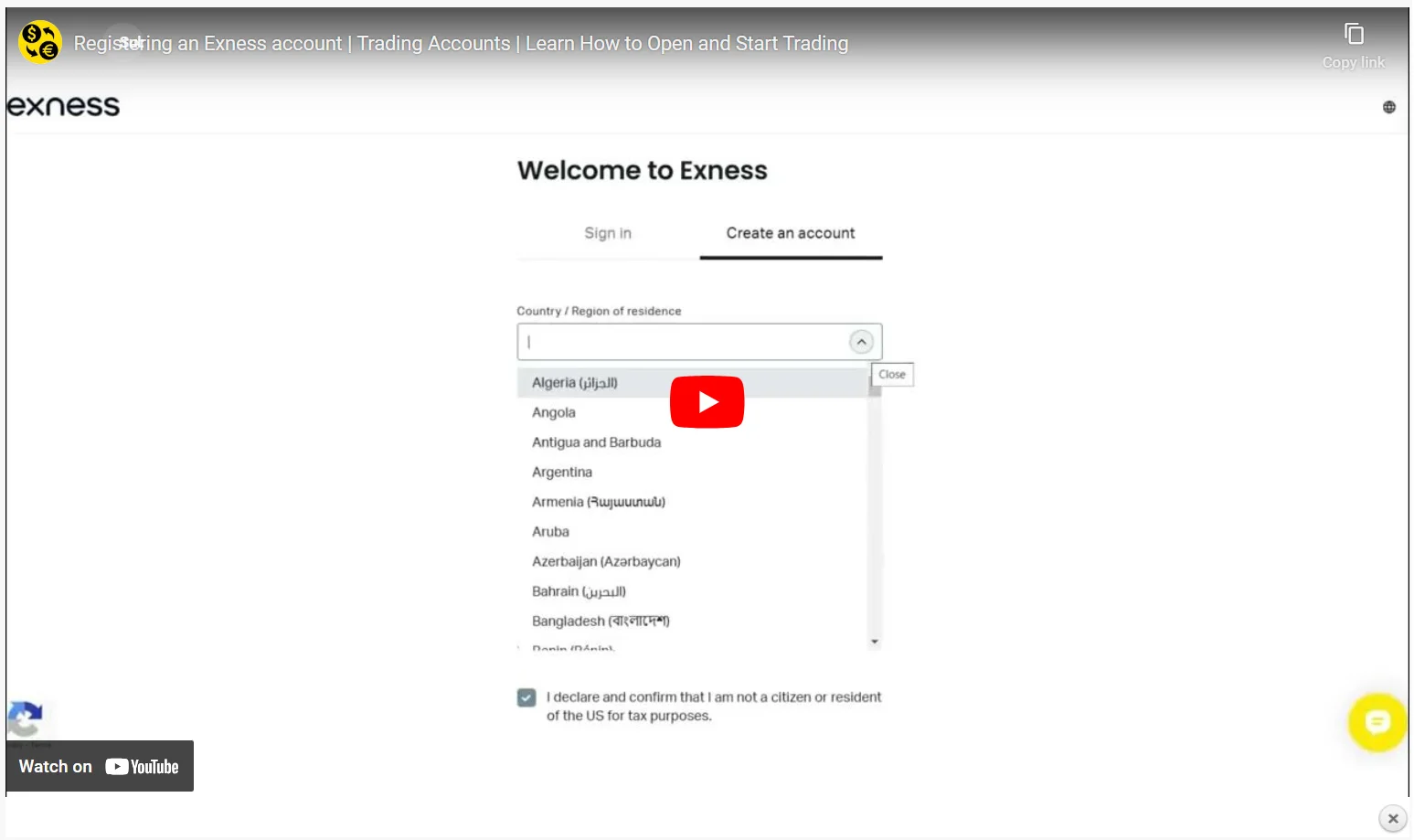
Learn how to easily open an Exness account and begin your trading journey. This video walks you through the registration process to start trading Forex, crypto, and more…了解如何輕鬆開設 Exness 帳戶,開啟您的交易之旅。本影片將引導您完成註冊流程,開始交易外匯、加密貨幣等更多產品… Watch Here » 點此觀看 »
How to Change the Leverage on Your Exness Trading Account如何更改您的 Exness 交易帳戶的槓桿
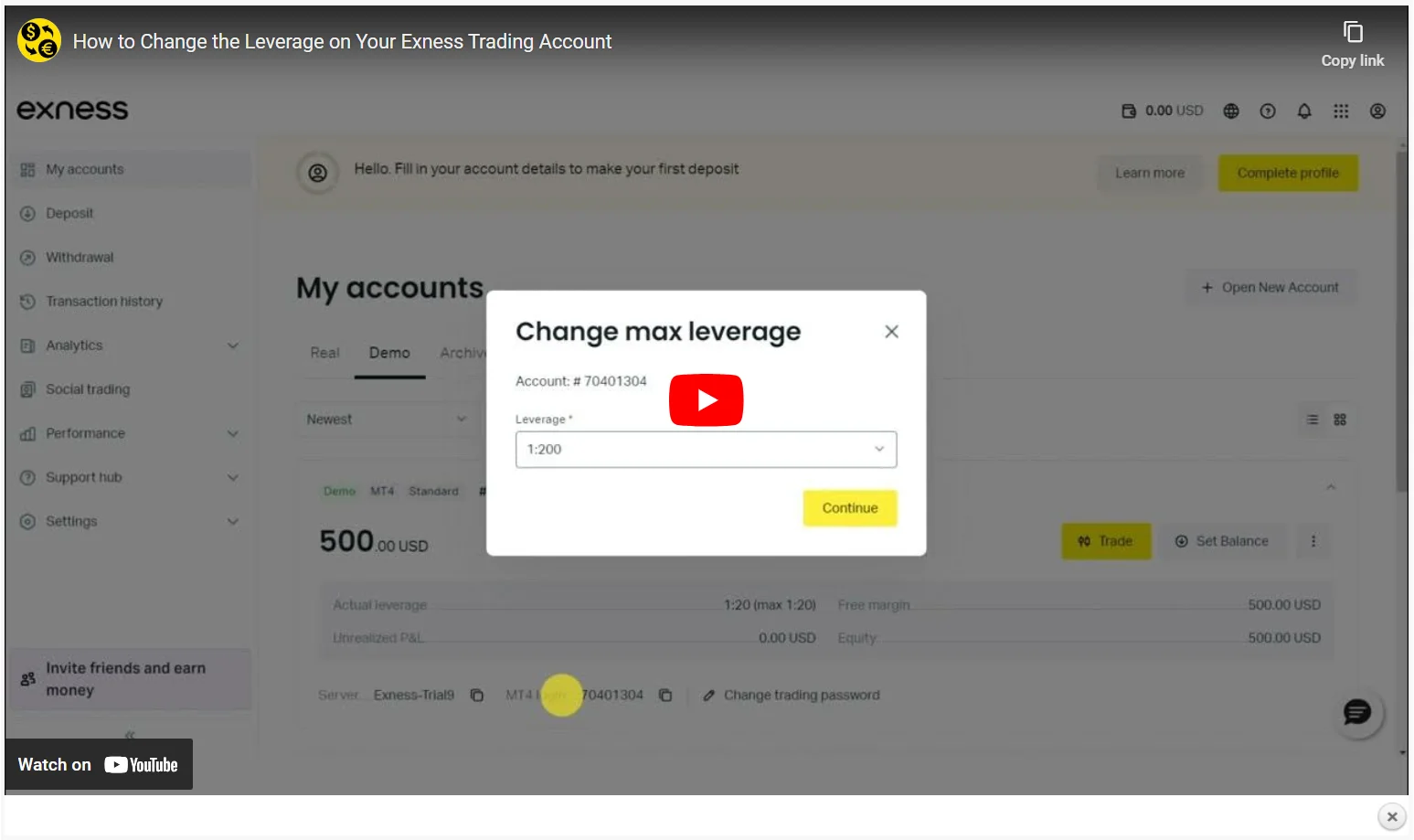
Adjusting leverage is crucial for managing risk. In this video, we guide you through the process of modifying leverage settings on your Exness trading account to match your strategy…調整槓桿對於管理風險至關重要。在本影片中,我們將指導您修改 Exness 交易帳戶的槓桿設置,以符合您的策略… Watch Here » 點此觀看 »
How To Create Demo Account on Exness | Practice on a Trading Account如何在 Exness 上建立模擬帳戶 | 在交易帳戶上練習
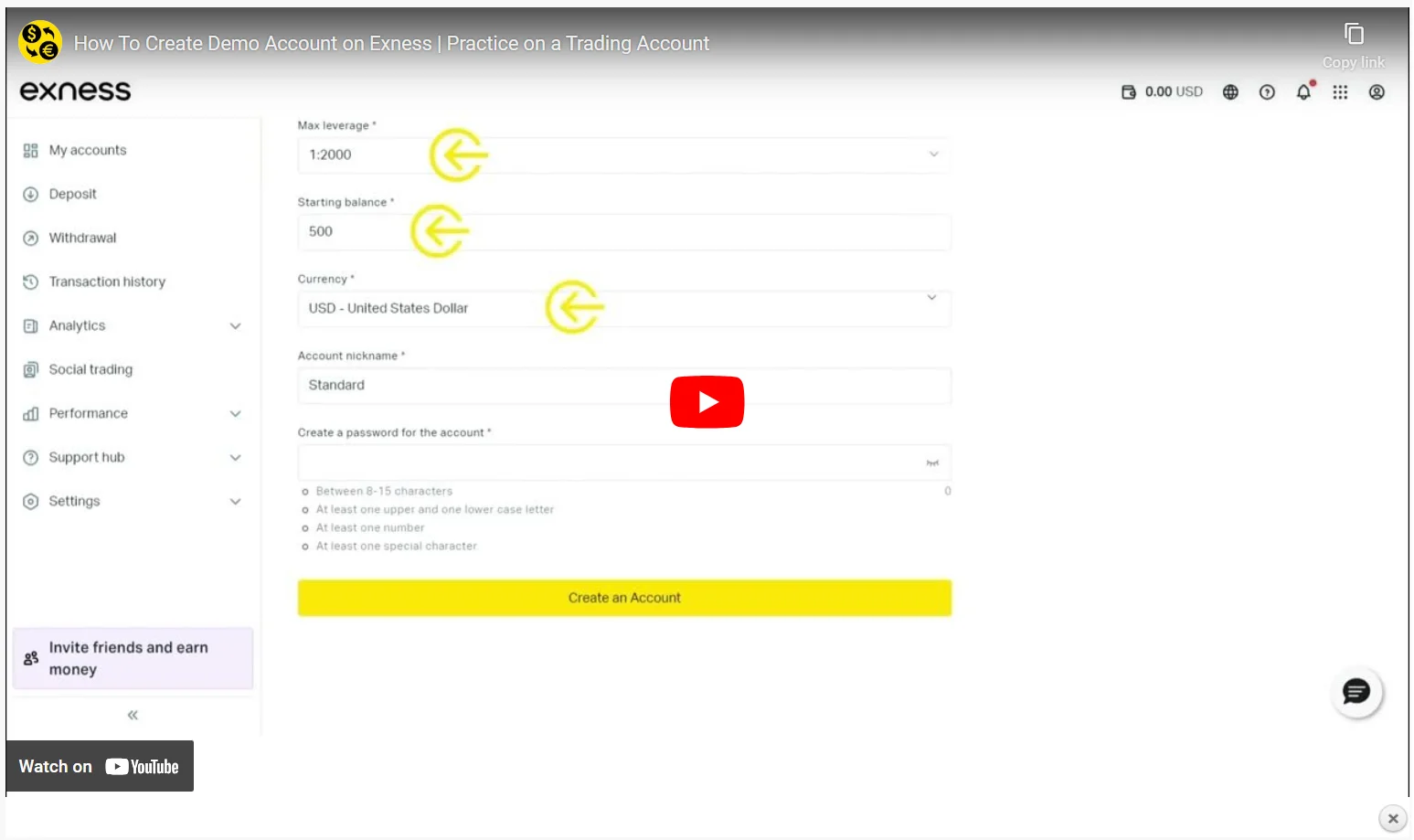
Try trading risk-free with the Exness Demo Account. This video shows you how to practice strategies, test market conditions, and refine your skills without any financial risk…使用 Exness 模擬帳戶,體驗無風險交易。本影片將向您展示如何在無財務風險的情況下練習策略、測試市場行情並提升交易技能… Watch Here » 點此觀看 »
Exness Investment Calculator | Calculate Pips and MoreExness 投資計算機 | 計算點數值及更多
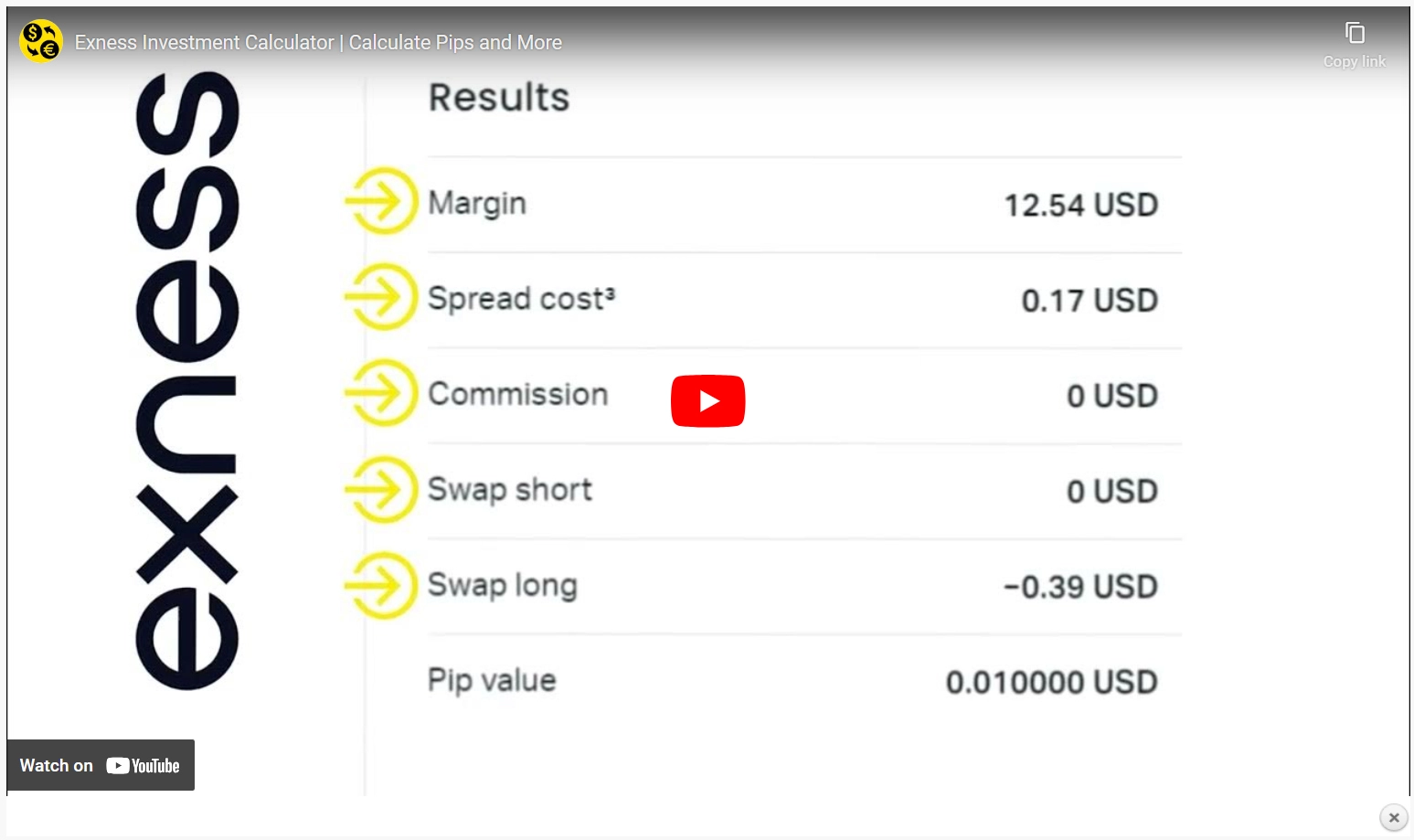
Learn how to use the Exness Investment Calculator to calculate potential profits, margins, and more. This video is perfect for planning your trades and managing risk with precision…了解如何使用 Exness 投資計算器計算潛在利潤、保證金等資訊。本影片非常適合幫助您規劃交易並精準管理風險… Watch Here » 點此觀看 »

Get Started with Exness – Your Gateway to Global Trading開啟 Exness 之旅 – 您的全球交易之門
